
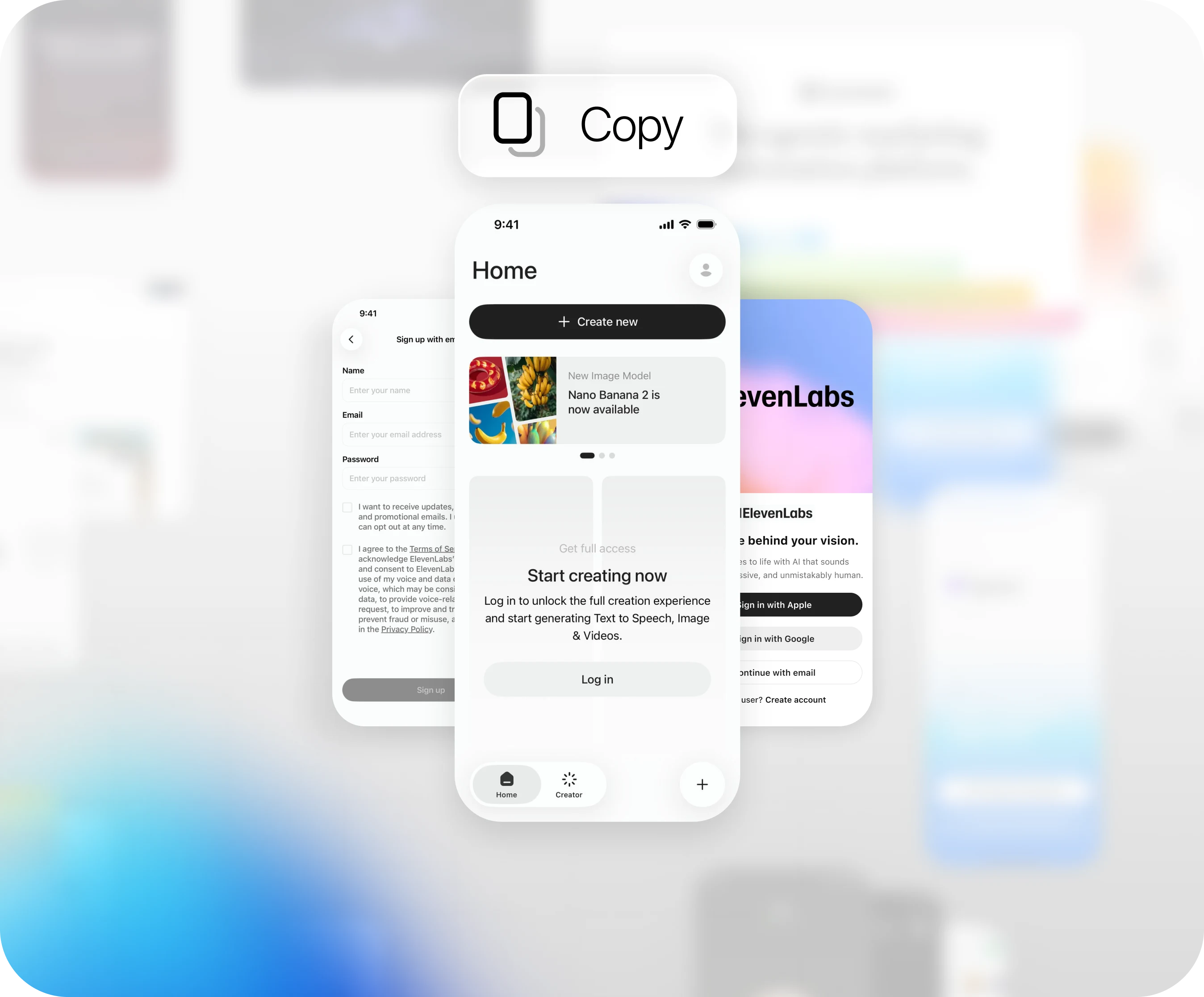
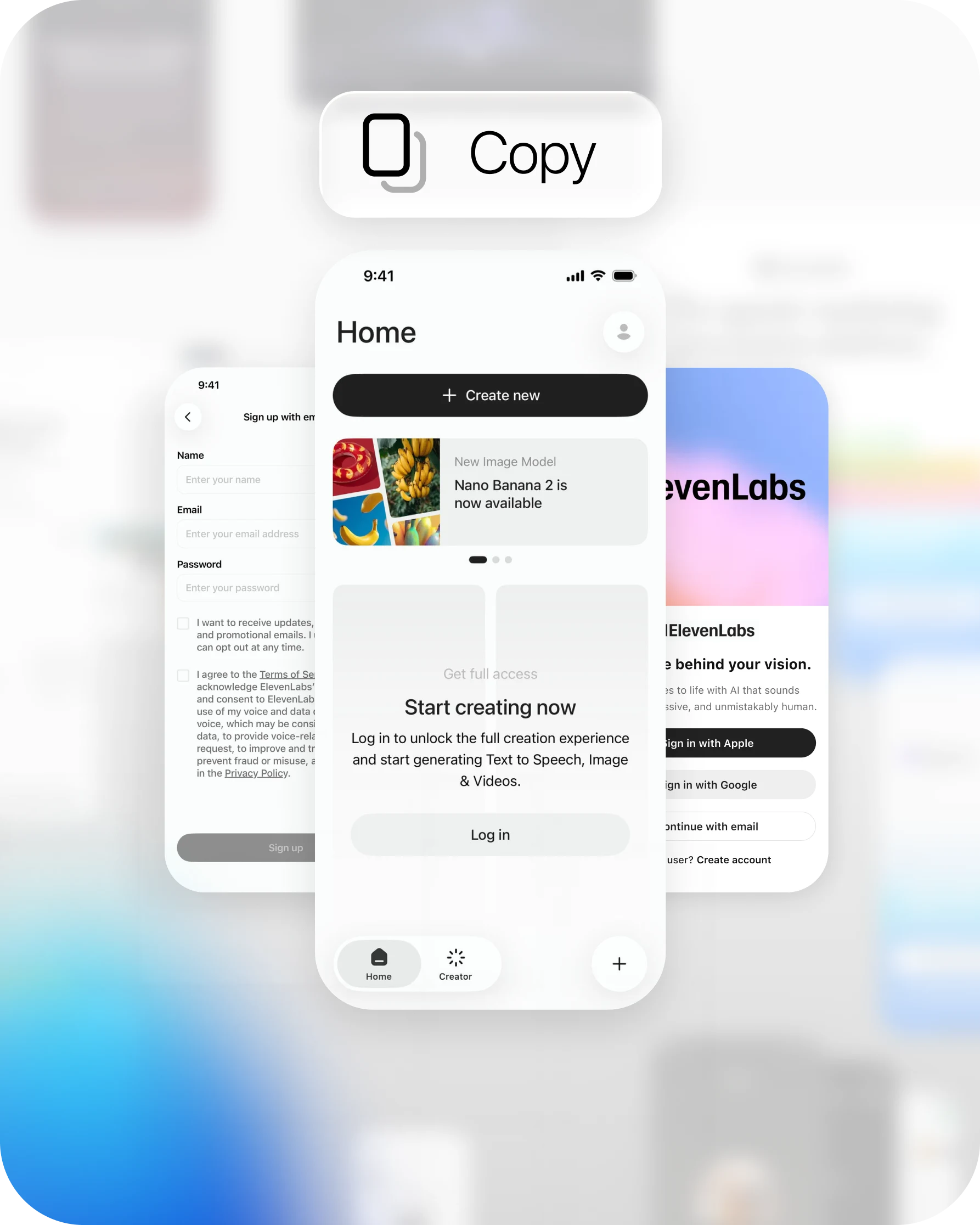
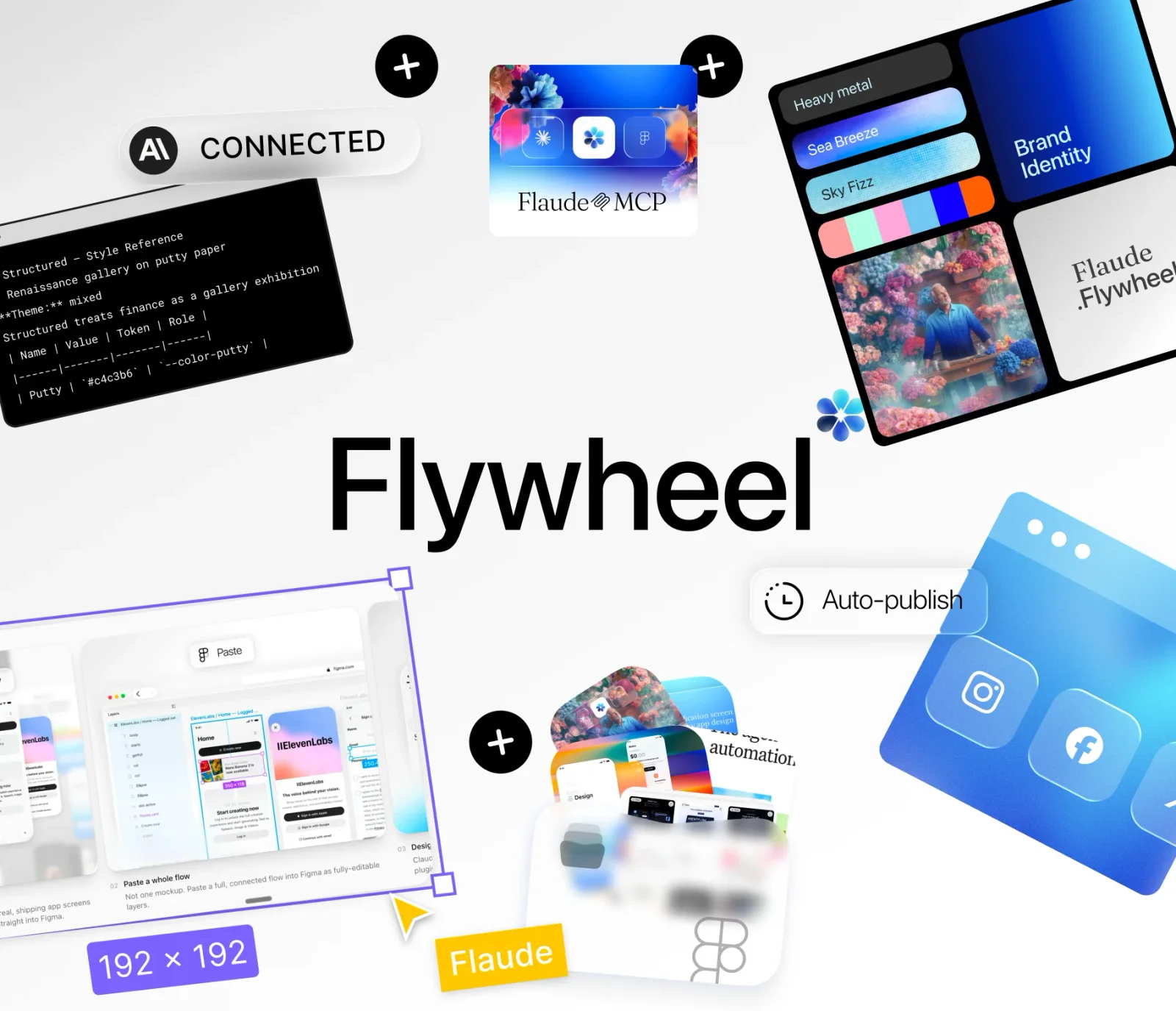
Copy & Paste real app screens into Figma as fully-editable layers
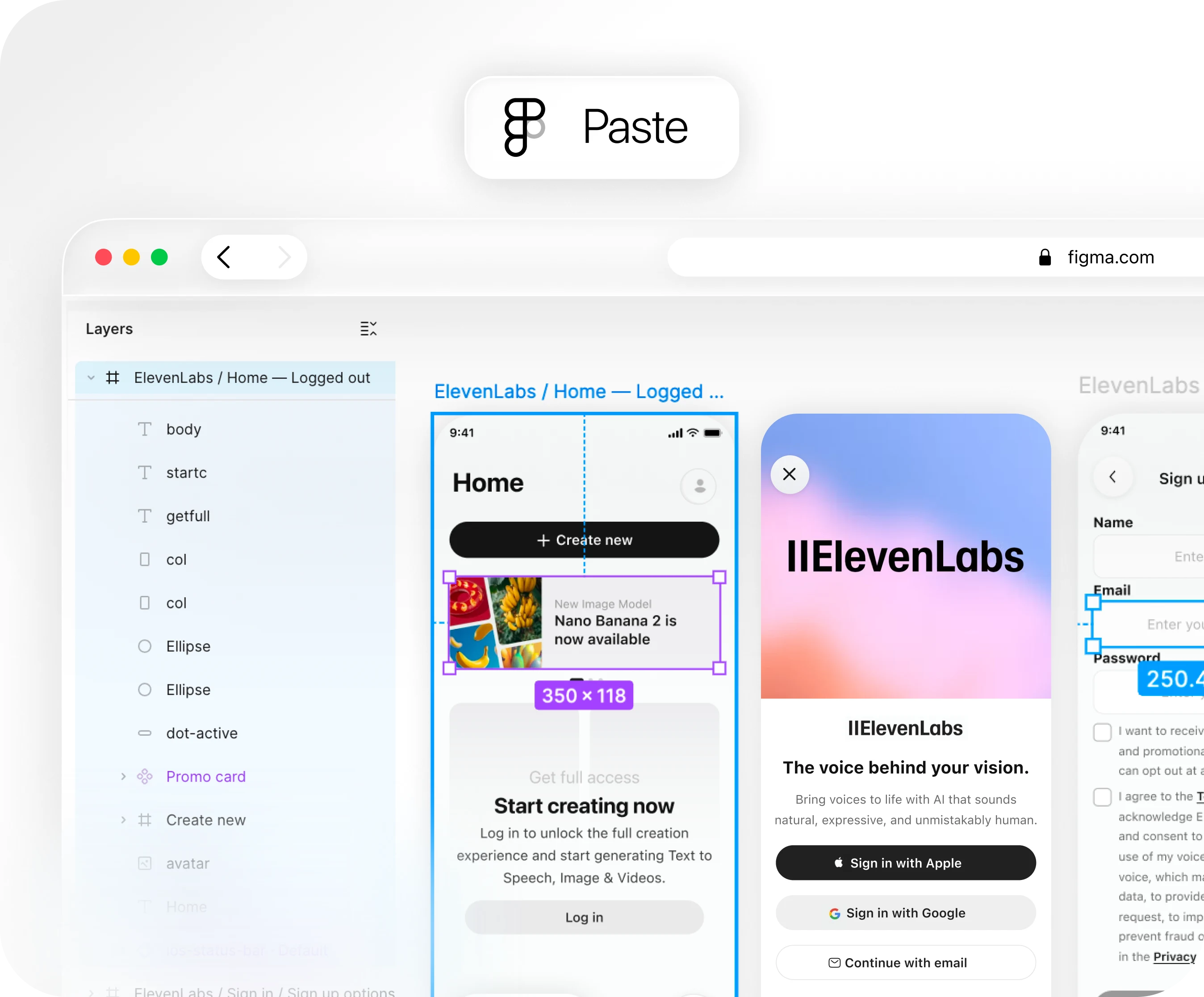


Start from anything. Or from nothing.
Copy a flow, not a screenshot
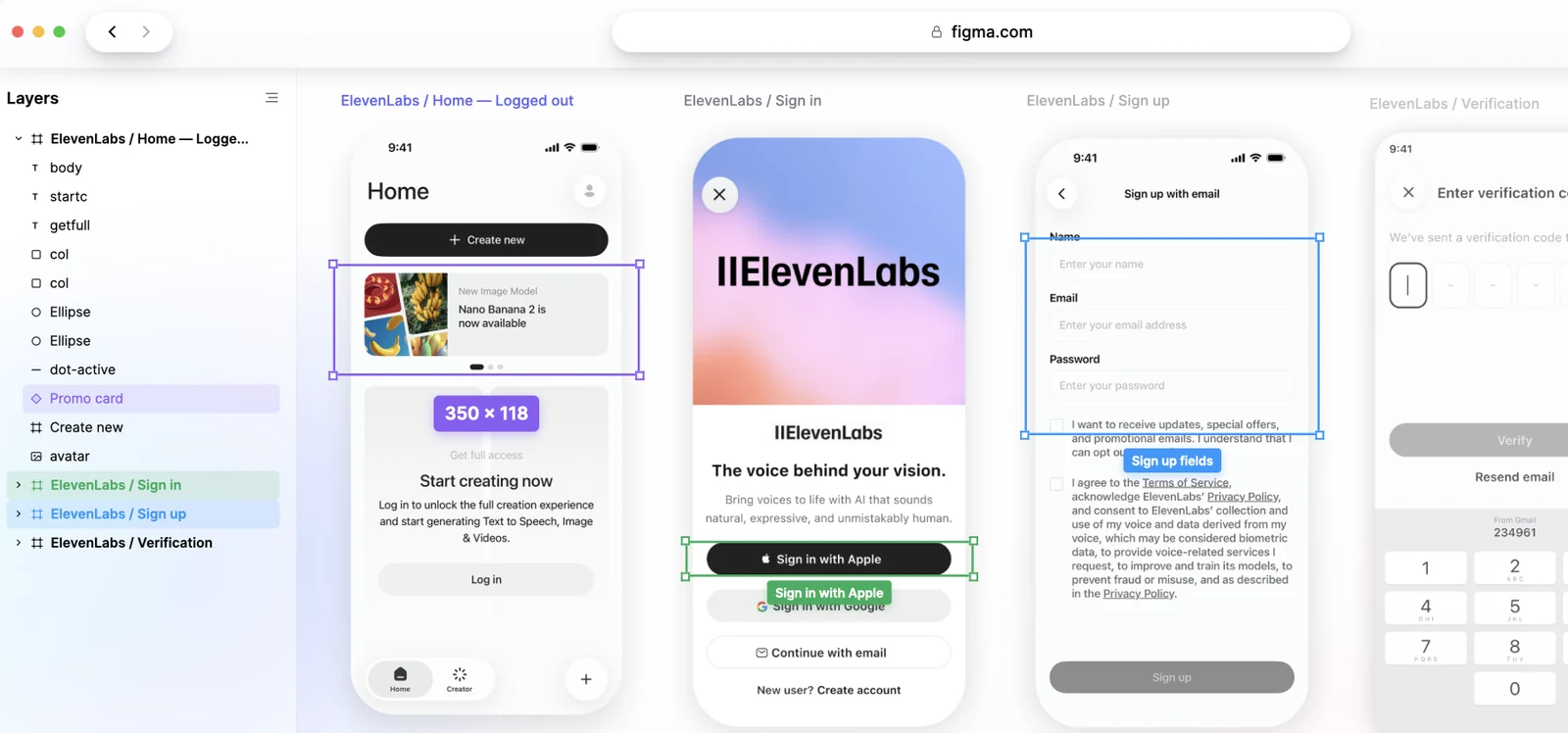
Paste any flow into Figma and every screen arrives as real, named, editable layers.
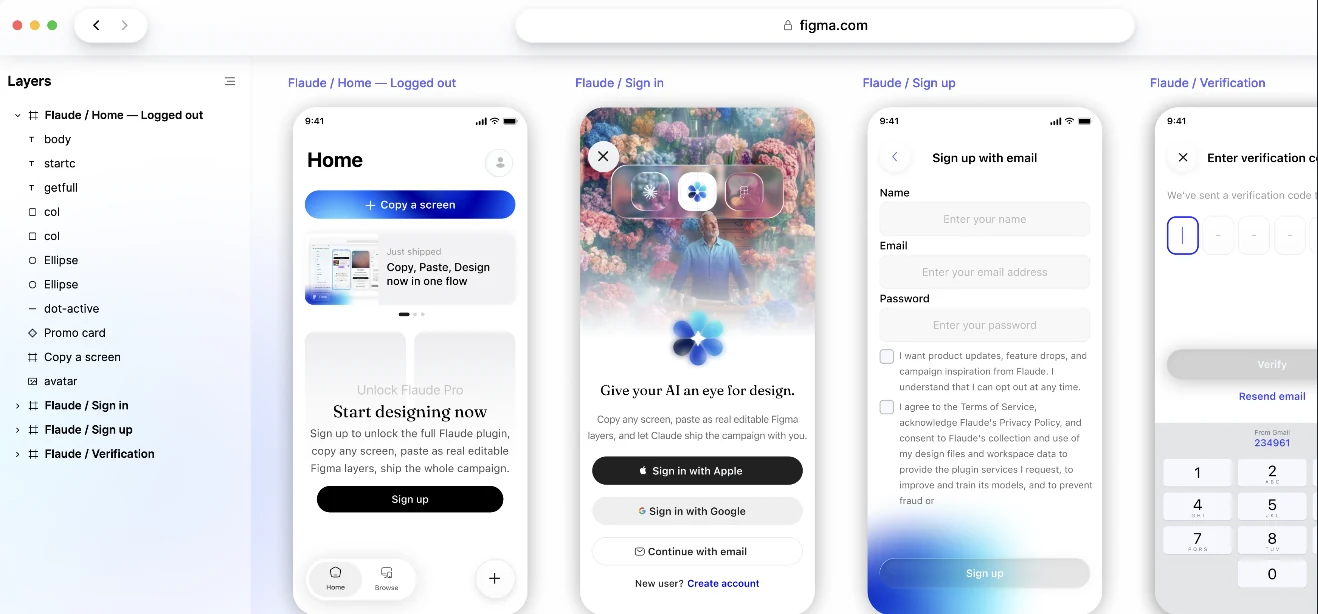
Make it your product
Point Claude at what you pasted and it restyles the real layers — colour, copy, components — as far as you ask.
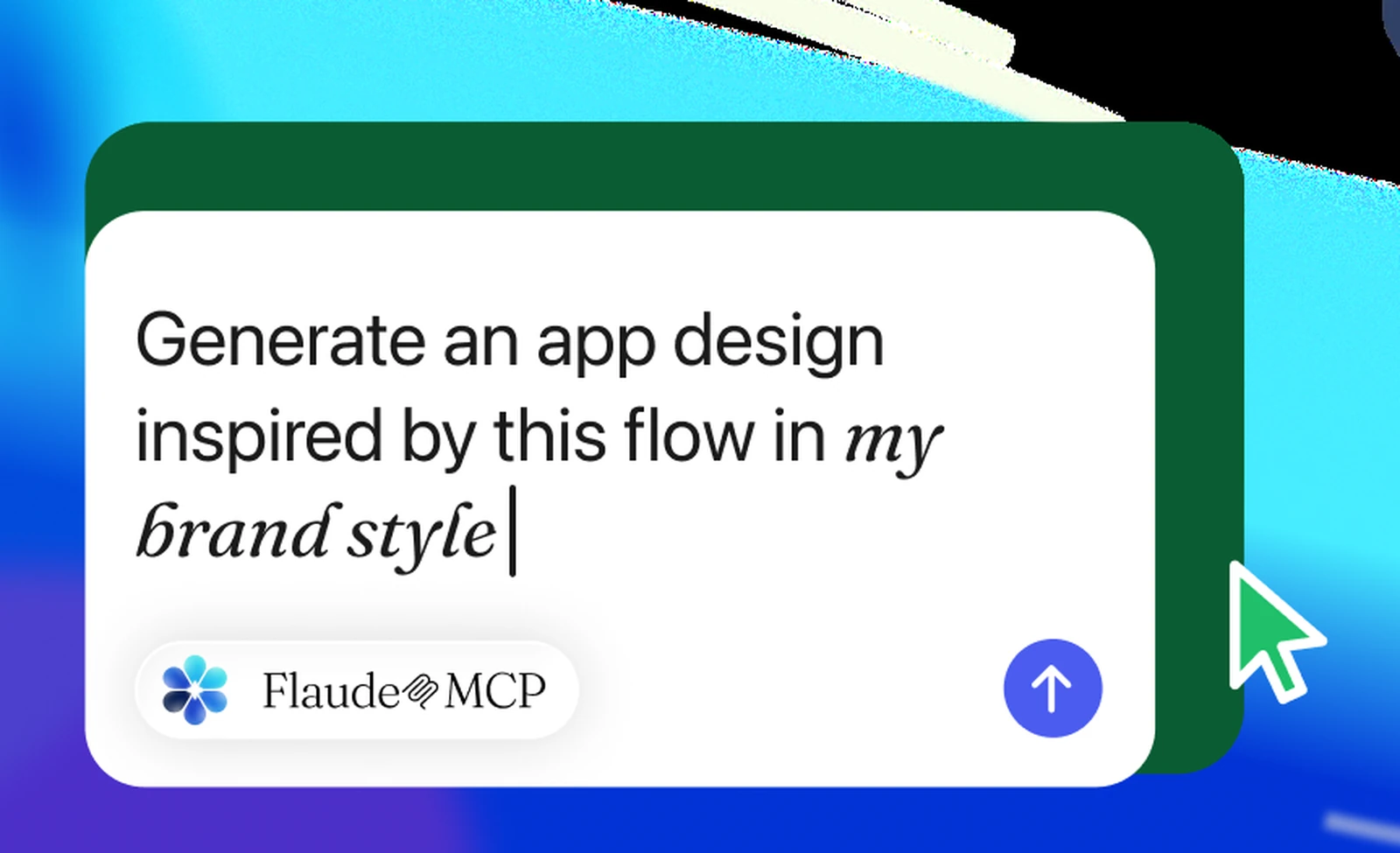
Draw what does not exist
Nothing to paste? Describe the screen and Claude builds it from scratch, in the design system already in your file.
Don't stop at generating.
Most AI tools hand you a flat image and stop there. Flaude drafts, designs, schedules and publishes the whole campaign without you. No image credits — it runs on the Claude subscription you already pay for.
Drafts from your design.md
Claude reads voice, colour and type straight out of design.md.claude draft
voice: dry, specific
Designs in Figma
Real, editable Figma layers — not a flat generated image.
Crafts the campaign
Tone and images for the whole campaign, made for you.ABSchedules & auto-publishes
Drops onto your calendar and posts itself, on time.MTWTFSS


 claude draft


Because in the era of AIdesignwins.
Read more from Michael Karam Byun on LinkedIn Michael Karam Byun
 Sr Product & Brand Designer · Los Angeles
“For a half day's work, this is amazing. The more robust your set of rules, the better the results.”
Michael Karam ByunSr Product & Brand Designer · Los Angeles“Hundreds of on-brand variations in an afternoon. Easiest marketing superpower I have ever been handed.”
 AnaCOO at 11Base
“The Figma MCP that is actually worth it — without $100 of Figma API costs.”
 CharlieMarketing Director
Start copying real screens
Browse the gallery, copy a screen or full flow into Figma as editable layers, then let Claude extend it into your own app.
Browse the gallery