How to Turn Flaude Into Your Personal AI Design Assistant
Most people get generic AI slop on the first try. The fix: stop prompting like a stranger and start writing rules like you're training a new teammate.
Tutorials, guides, and best practices for connecting Claude AI to Figma. Learn how to supercharge your design workflow with AI.

Most people get generic AI slop on the first try. The fix: stop prompting like a stranger and start writing rules like you're training a new teammate.

Claude × Figma just announced Figma Make — AI that turns designs into apps. But what creates the designs? That's where Flaude comes in.

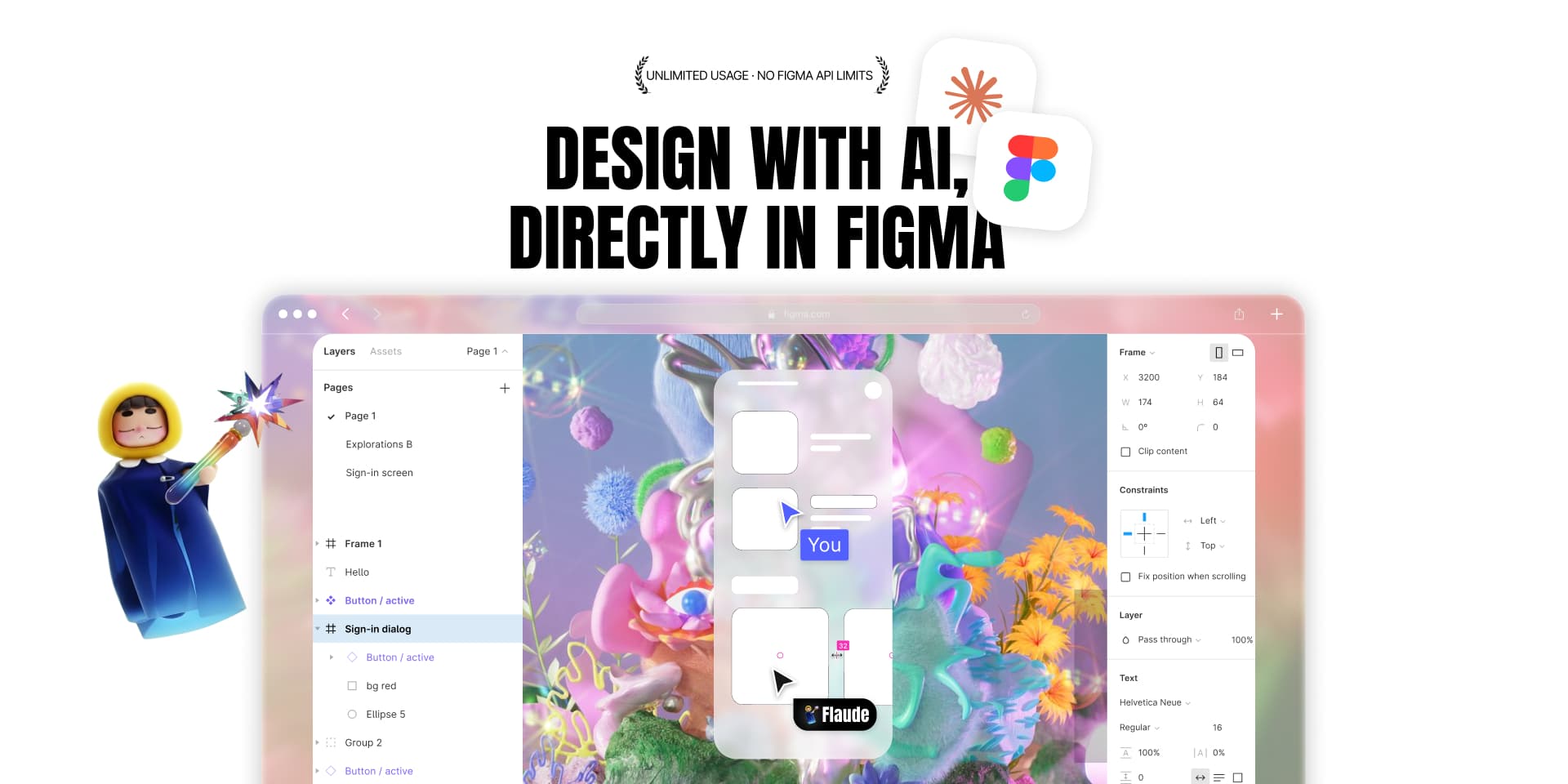
For 3 years, developers have shipped 10x faster with AI. Meanwhile, designers are still pushing pixels manually. That era is over.

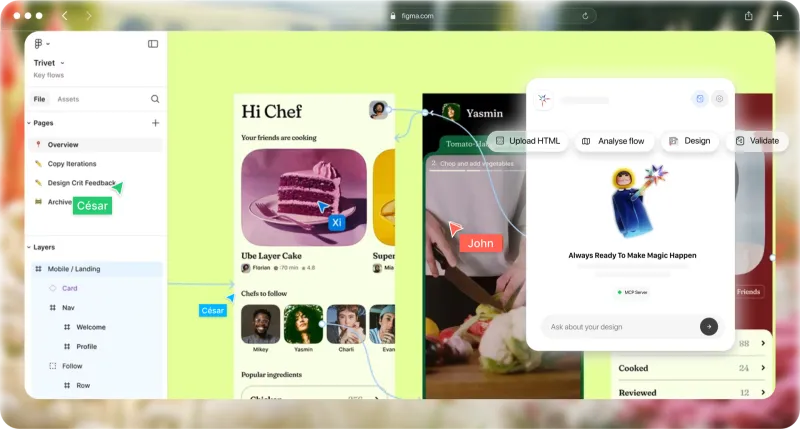
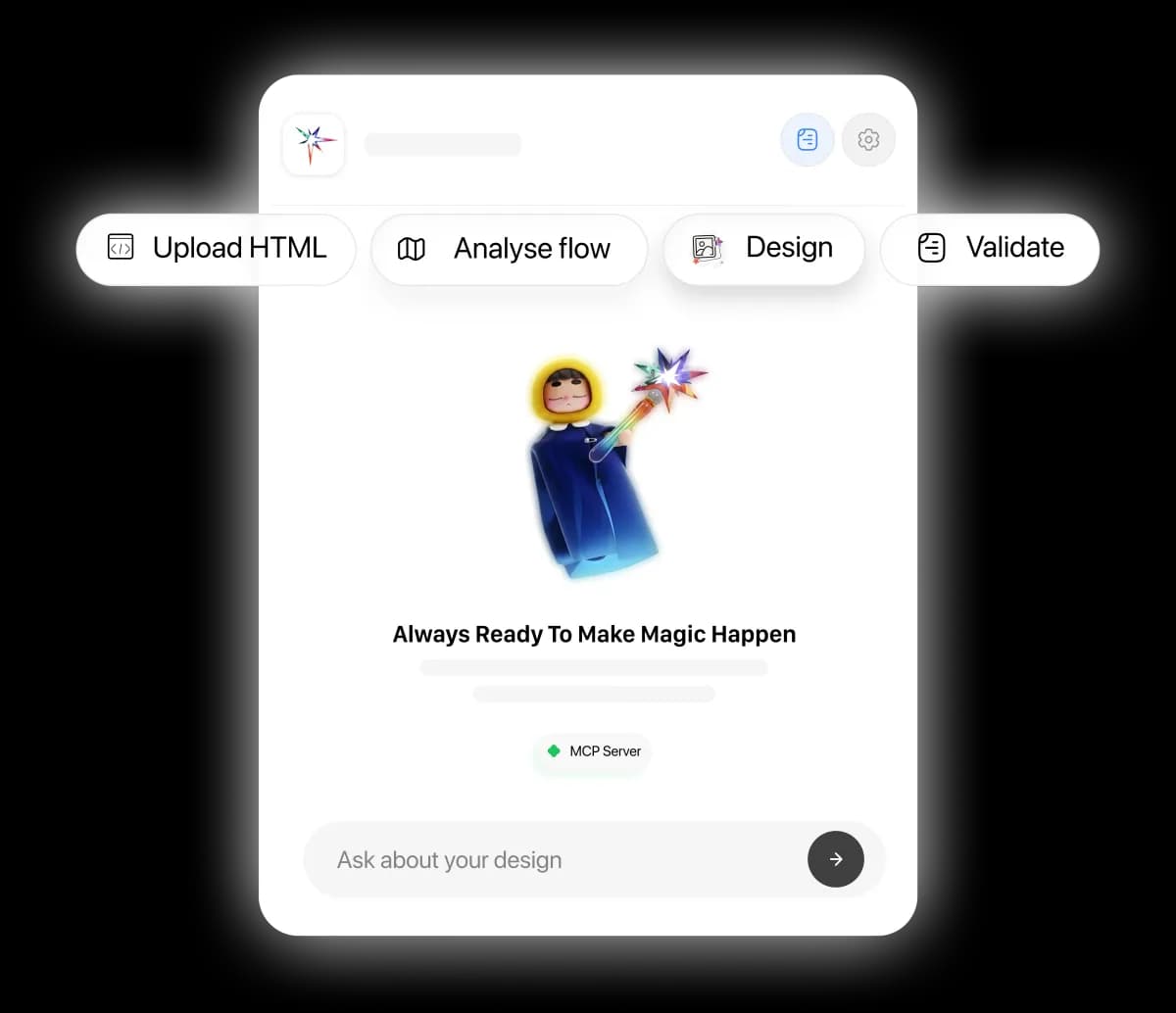
Learn how to connect Claude AI to Figma using Flaude. Step-by-step guide to integrating Claude with your Figma workflow for AI-powered design.

Ready-to-use AI prompts for designing in Figma. Landing pages, dashboards, mobile apps, components - just copy, paste, and generate.

Honest comparison of AI design tools for Figma. We tested Flaude, Magician, Diagram, and others. See features, pricing, and which is best for your workflow.
Install Flaude and start designing with AI in seconds.
Get Started Free